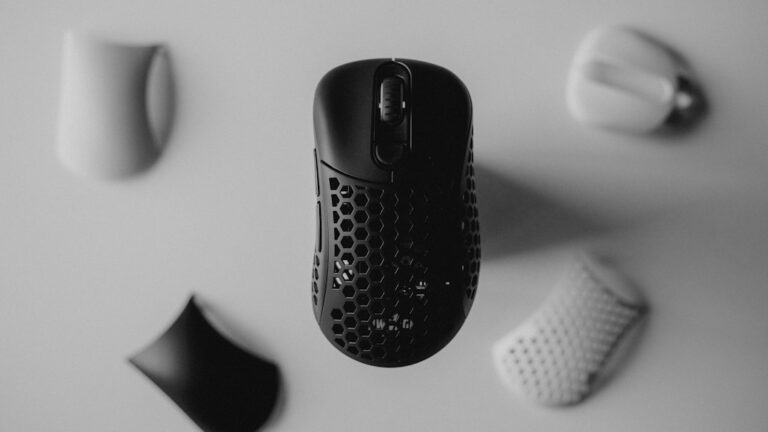

In today’s fast-paced work environment, having the right tools can significantly boost your productivity. One of the most essential tools for any computer user is a mouse. With countless options available, finding the perfect mouse that suits your needs can be overwhelming. This article will explore the top 10 mouses that can enhance your productivity at work, ensuring you make an informed decision.
1. Logitech MX Master 3
The Logitech MX Master 3 is often hailed as the ultimate productivity mouse. Its ergonomic design fits comfortably in your hand, reducing strain during long hours of use. The customizable buttons allow you to streamline your workflow by assigning specific functions to each button, making it easier to navigate through tasks efficiently.
Additionally, the MX Master 3 features a high-precision scroll wheel that adapts to your scrolling speed. This means you can scroll through lengthy documents or web pages with ease. With its rechargeable battery lasting up to 70 days on a single charge, this mouse is perfect for those who value longevity and performance.
2. Razer DeathAdder V2
The Razer DeathAdder V2 is not just for gamers; it’s also an excellent choice for professionals seeking precision and speed. Its lightweight design and ergonomic shape provide comfort during extended use. The mouse features Razer’s Focus+ Optical Sensor, which offers a sensitivity of up to 20,000 DPI, ensuring every movement is tracked accurately.
Moreover, the customizable RGB lighting can be adjusted to match your workspace aesthetic. With programmable buttons, you can set up macros to perform complex tasks with a single click, enhancing your productivity significantly.
3. Microsoft Surface Precision Mouse
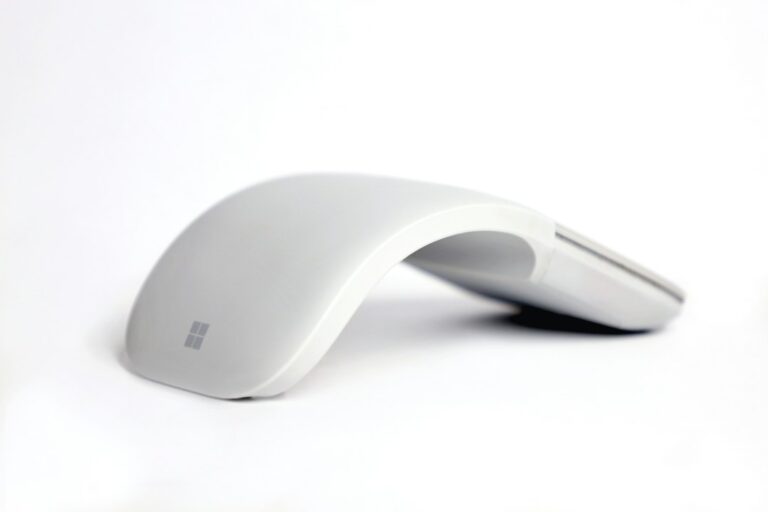
The Microsoft Surface Precision Mouse is designed for those who appreciate a seamless experience across devices. This mouse allows you to switch between three different devices with the touch of a button, making multitasking a breeze. Its ergonomic design ensures comfort, while the customizable buttons let you tailor your experience to fit your workflow.
One of the standout features of this mouse is its smooth scrolling capability, which allows for precise navigation through documents and web pages. With a battery life of up to three months, you won’t have to worry about frequent recharging, allowing you to focus on your work.
4. Anker Ergonomic Vertical Mouse
If you’re looking for a mouse that prioritizes comfort, the Anker Ergonomic Vertical Mouse is a fantastic option. Its unique vertical design promotes a natural hand position, reducing wrist strain and discomfort. This mouse is particularly beneficial for those who spend long hours at their desks and are prone to repetitive strain injuries.
The Anker mouse features adjustable DPI settings, allowing you to customize the sensitivity to your liking. Its affordable price point makes it accessible for anyone looking to improve their workspace ergonomics without breaking the bank.
5. Apple Magic Mouse 2
The Apple Magic Mouse 2 is a sleek and stylish option for Mac users. Its minimalist design complements any workspace while providing a range of features that enhance productivity. The touch-sensitive surface allows for intuitive gestures, such as swiping between web pages and scrolling through documents effortlessly.
With a built-in rechargeable battery, the Magic Mouse 2 can last for weeks on a single charge. Its seamless integration with macOS makes it a favorite among Apple enthusiasts, ensuring that you can work efficiently without any hiccups.
Step-by-step plan:
Step 1: Assess your work habits and identify your specific needs in a mouse. Step 2: Research the top mouses available, focusing on features that enhance productivity. Step 3: Consider ergonomics and comfort to prevent strain during long hours of use. Step 4: Make a decision based on your findings and invest in a mouse that aligns with your work style.