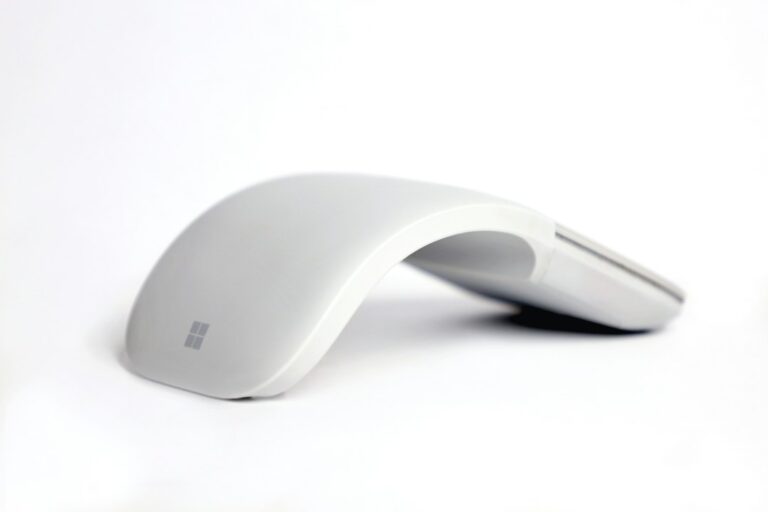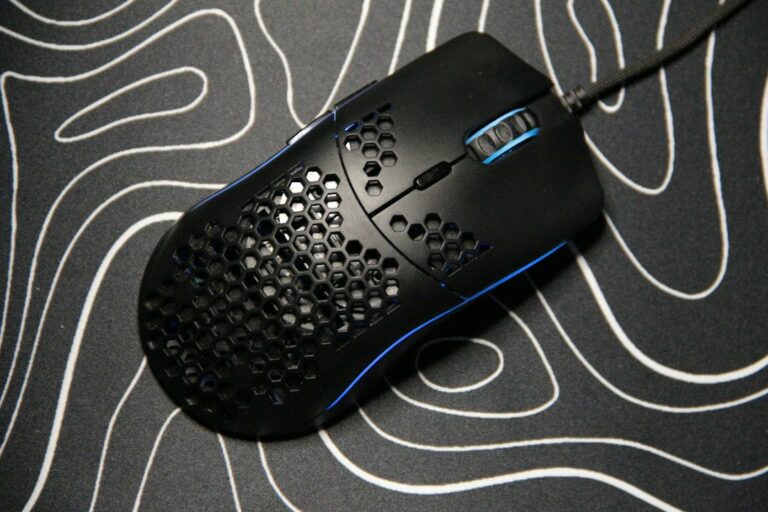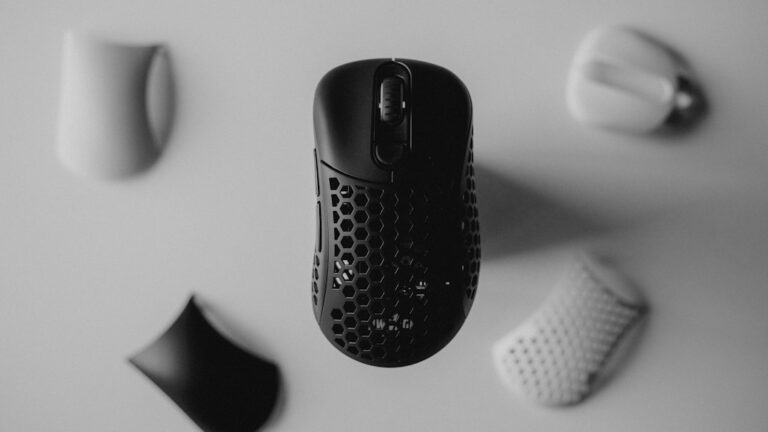
Choosing the right mouse for graphic design tasks can significantly impact your workflow and creativity. With so many options available, it’s essential to understand what features matter most for your specific needs. Whether you’re a professional designer or a hobbyist, the right mouse can enhance your precision and comfort, making your design process smoother and more enjoyable.
Understanding DPI and Sensitivity
DPI, or dots per inch, is a critical factor to consider when selecting a mouse for graphic design. A higher DPI means more sensitivity, allowing for finer movements and greater precision in your designs. For graphic designers, a mouse with adjustable DPI settings is ideal, as it allows you to switch between high sensitivity for quick movements and lower sensitivity for detailed work.
When choosing a mouse, look for one that offers a DPI range that suits your style. Some designers prefer a DPI of 1600 for general use, while others may opt for 800 or even lower for intricate tasks. Understanding your personal preferences and how they align with DPI settings will help you make an informed decision.
Ergonomics and Comfort
Comfort is paramount when spending long hours designing. An ergonomic mouse can prevent strain and discomfort, allowing you to focus on your creativity rather than your wrist. Look for a mouse that fits comfortably in your hand, with a shape that supports your grip style, whether it’s palm, claw, or fingertip.
Additionally, consider the weight of the mouse. Some designers prefer a heavier mouse for stability, while others may favor a lighter option for quick movements. Test different models to find the one that feels best for you, as comfort can greatly influence your productivity and overall experience.
Button Customization and Functionality
Having customizable buttons on your mouse can streamline your workflow significantly. Many graphic design tasks require repetitive actions, and being able to assign shortcuts to mouse buttons can save you valuable time. Look for a mouse that allows you to customize buttons easily, enabling you to set up your workspace according to your preferences.
Consider the software compatibility as well. Some mice come with dedicated software that allows for extensive customization, including creating profiles for different applications. This feature can be a game-changer, as it lets you switch between settings tailored for various design programs, enhancing your efficiency.
Wired vs. Wireless Options
The choice between a wired and wireless mouse often comes down to personal preference and specific use cases. Wired mice typically offer a more stable connection and eliminate concerns about battery life, making them a reliable choice for intensive design work. On the other hand, wireless mice provide greater freedom of movement and a cleaner workspace.
If you opt for a wireless mouse, ensure it has a long battery life and quick charging capabilities. Some models even offer the option to switch between wired and wireless modes, giving you the best of both worlds. Evaluate your workspace and design habits to determine which option will work best for you.
Checklist:
Before making your purchase, ensure you consider the following: 1. Test the mouse for comfort and grip style. 2. Check for adjustable DPI settings to match your design needs. 3. Look for customizable buttons to enhance your workflow.
In conclusion, selecting the perfect mouse for graphic design tasks involves understanding your specific needs and preferences. By considering factors like DPI, ergonomics, button functionality, and whether to go wired or wireless, you can find a mouse that enhances your creative process. Take the time to explore different options, and you’ll be well on your way to improving your design experience.